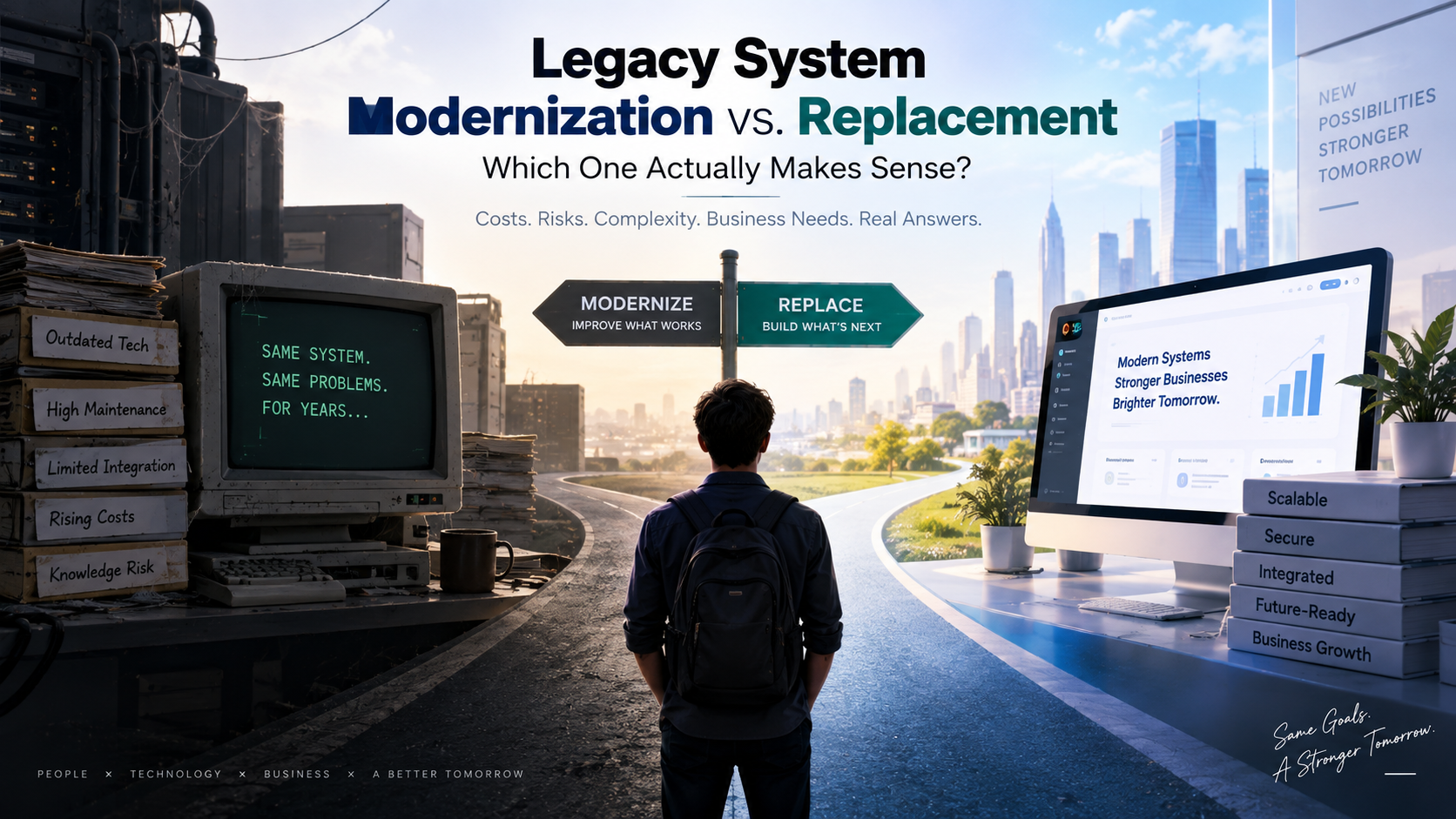
Legacy System Modernization vs. Replacement: Which One Actually Makes Sense?
Every IT leader eventually hits this wall. The system that's been running the business for fifteen years is showing its age. It's slow, it's held together by a handful of people who understand its quirks, and every new integration feels like defusing a bomb. The question isn't whether to act. It's whether to fix what you have or tear it out and start over.
There's no universal right answer here. Companies that modernize when they should have replaced end up throwing good money after bad. Companies that replace when they should have modernized often end up over budget, behind schedule, and dealing with a rollout disaster nobody saw coming. So let's actually break this down.
What "Modernization" Really Means
Modernization keeps the core system alive but changes how it works underneath, or how people interact with it. This can mean re-platforming an old application onto modern infrastructure, wrapping legacy code with APIs so it can talk to newer tools, moving a system to the cloud without rewriting it from scratch, or gradually refactoring pieces of the codebase over time.
The appeal is obvious. You're not throwing away decades of business logic that took years to get right. You're not retraining every employee overnight. And you're not betting the company on a big-bang rollout that could fail spectacularly.
What "Replacement" Really Means
Replacement means retiring the old system entirely and bringing in something new, whether that's a custom-built application or an off-the-shelf platform configured for your needs. Old data gets migrated, workflows get rebuilt, and staff has to relearn how to do their jobs.
This is the harder road in the short term, but sometimes it's the only real option. If the underlying technology is so outdated that vendors no longer support it, if the code is undocumented and nobody left at the company understands it, or if the business has fundamentally outgrown what the old system was ever built for, modernization is just delaying the inevitable.
Cost
Modernization usually costs less upfront. You're working with what exists, so there's no need to rebuild every workflow or retrain every department at once. But the savings can be an illusion. Older systems often carry hidden technical debt, and every fix can uncover three more problems buried underneath. Costs that looked predictable at the start of a modernization project have a habit of creeping upward.
Replacement has a higher price tag going in. New licensing, new infrastructure, data migration, integration work, and training all add up fast. The upside is that the total cost is usually more predictable once the project is scoped properly, and you're not paying to prop up something that was already failing.
A rough rule of thumb: if patching the old system costs more than 40 to 50 percent of what a full replacement would cost over a three to five year window, replacement usually wins on pure economics.
Risk
Modernization carries lower risk of business disruption because the core system keeps running while changes happen incrementally. Employees don't wake up one Monday to a completely unfamiliar interface. But it carries a different kind of risk: technical risk. You're building on a foundation that may not have been designed for what you're now asking it to do, and that can introduce fragility that's hard to predict.
Replacement carries higher short-term risk. Data migration can go wrong. Staff can resist the change. Go-live day can expose problems nobody caught in testing. But once the new system is stable, the long-term risk profile is usually much better, because you're not depending on unsupported technology or a shrinking pool of people who understand it.
Complexity
This is where a lot of projects get underestimated. Modernization sounds simple on paper, "we're just updating the old system," but legacy code is rarely well documented, and the people who built it may have left the company years ago. Untangling what a piece of code actually does before you can safely change it is often the most time-consuming part of the whole project.
Replacement is complex in a different way. You have to map every existing workflow, decide what stays and what gets dropped, migrate historical data without corrupting it, and build integrations with every other tool the business depends on. The complexity is more visible from day one, which paradoxically can make it easier to plan for.
Business Needs
This is really the deciding factor, more than cost or risk on their own.
If the business processes built around the old system still work well and just need better performance, security, or integration capability, modernization is usually the smarter path. You're not fixing something that isn't broken at its core.
If the business has changed in ways the old system was never designed to handle, new products, new customer expectations, new regulatory requirements, then modernization can only stretch so far. At some point you're not modernizing a system anymore, you're building a replacement piece by piece while pretending it's a patch job. That's often more expensive and more painful than just replacing it outright.
Timelines
Modernization projects can often show results within months because you're improving what exists rather than rebuilding it. That said, timelines can slip badly if the legacy code turns out to be more tangled than expected, which happens more often than teams like to admit.
Replacement projects typically run longer, often a year or more for anything of real complexity, because of the scope of migration, testing, and change management involved. The timeline is longer but usually more predictable once the initial discovery phase is done properly.
So Which One Should You Choose?
A few questions tend to cut through the noise:
Is the vendor still supporting the platform, and can you still hire people who know the technology? If not, modernization is a temporary fix at best.
Does the system still fit how the business actually operates today? If the answer is mostly yes with some rough edges, modernize. If the answer is no, replace.
Can the business tolerate a multi-month disruption during a transition? If not, modernization's incremental approach is safer, at least as a first step.
What does the five-year cost picture look like, not just the first year? Cheap now can be expensive later, and expensive now can be cheap later.
Most organizations don't actually face a clean either-or decision. A lot of successful transformations use a hybrid path: modernize the parts of the system that still serve the business well, and replace the parts that don't. It's less dramatic than a full rebuild, and it lets you spread cost and risk over time instead of betting everything on one big rollout.
The mistake to avoid is choosing based on which option feels less scary right now. Modernization can feel safer because it's familiar, but that comfort sometimes masks a system that's quietly becoming unmanageable. Replacement can feel risky because the disruption is visible upfront, but sometimes that short-term pain is exactly what saves years of future cost. The right call comes from looking honestly at where the business is headed, not just where the system currently stands.

BroskiesHub Team
The Team
Insights and perspectives from the BroskiesHub engineering and product team.