Legacy System Modernization: What Actually Works
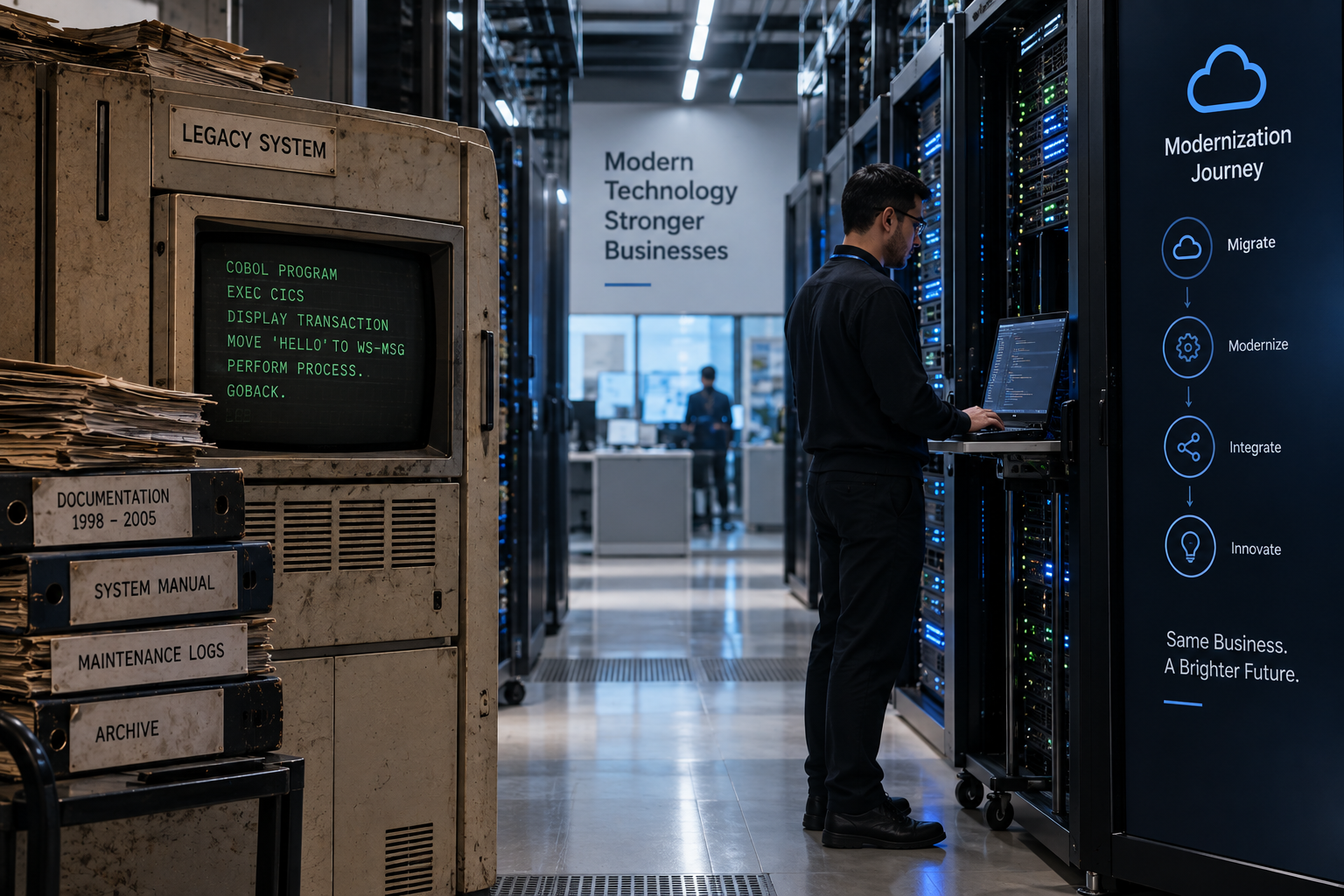
Every company with a system that's been around for a while eventually has the same uncomfortable conversation.
Someone opens an architecture diagram, points at a box labeled something like Core Billing Engine or Inventory Service, and asks a simple question:
"Who built this?"
Nobody in the room knows.
The people who originally wrote it left years ago. The documentation is outdated. The business still depends on it every day. And suddenly everyone realizes they're running critical operations on software that nobody fully understands anymore.
That's usually when modernization moves from being a nice idea on a roadmap to becoming an actual business priority.
The problem is that most modernization efforts don't fail dramatically. There isn't usually a single catastrophic moment. Instead, they slowly lose momentum. Timelines stretch. Requirements expand. Teams spend months rebuilding functionality that already existed. Eventually the project becomes something everyone talks about but nobody is excited to work on anymore.
The modernization projects that succeed tend to do a few things differently.
First, understand what the system really does
This sounds obvious, but it's where many teams make their first mistake.
Legacy systems are full of surprises. Over the years, people add fixes, workarounds, shortcuts, and "temporary" patches that somehow survive for a decade. What started as a clean design gradually becomes a collection of business decisions hidden inside code.
The documentation rarely tells the full story. It usually describes how the system was intended to work, not how it behaves today.
Before changing anything, spend time understanding reality.
Look at production logs. Review support tickets. Talk to customer-facing teams. The people answering support calls often know more about the system's strange edge cases than anyone in engineering.
Talk to operations, finance, and business stakeholders too. Many critical business rules aren't documented anywhere. They're simply things people know because they've been doing the job for years.
Your goal isn't perfect documentation. It's creating a clear enough picture to separate genuine business requirements from historical accidents that everyone has adapted to.
Don't try to replace everything at once
The dream of a clean rewrite is incredibly tempting.
You look at old code, outdated frameworks, and years of technical debt and think:
"Let's start over."
Unfortunately, that's where many projects get into trouble.
Large-scale rewrites have a long history of running over budget, missing deadlines, and introducing problems nobody expected. By the time the new system is ready, the business has changed and new requirements have appeared.
A safer approach is gradual replacement.
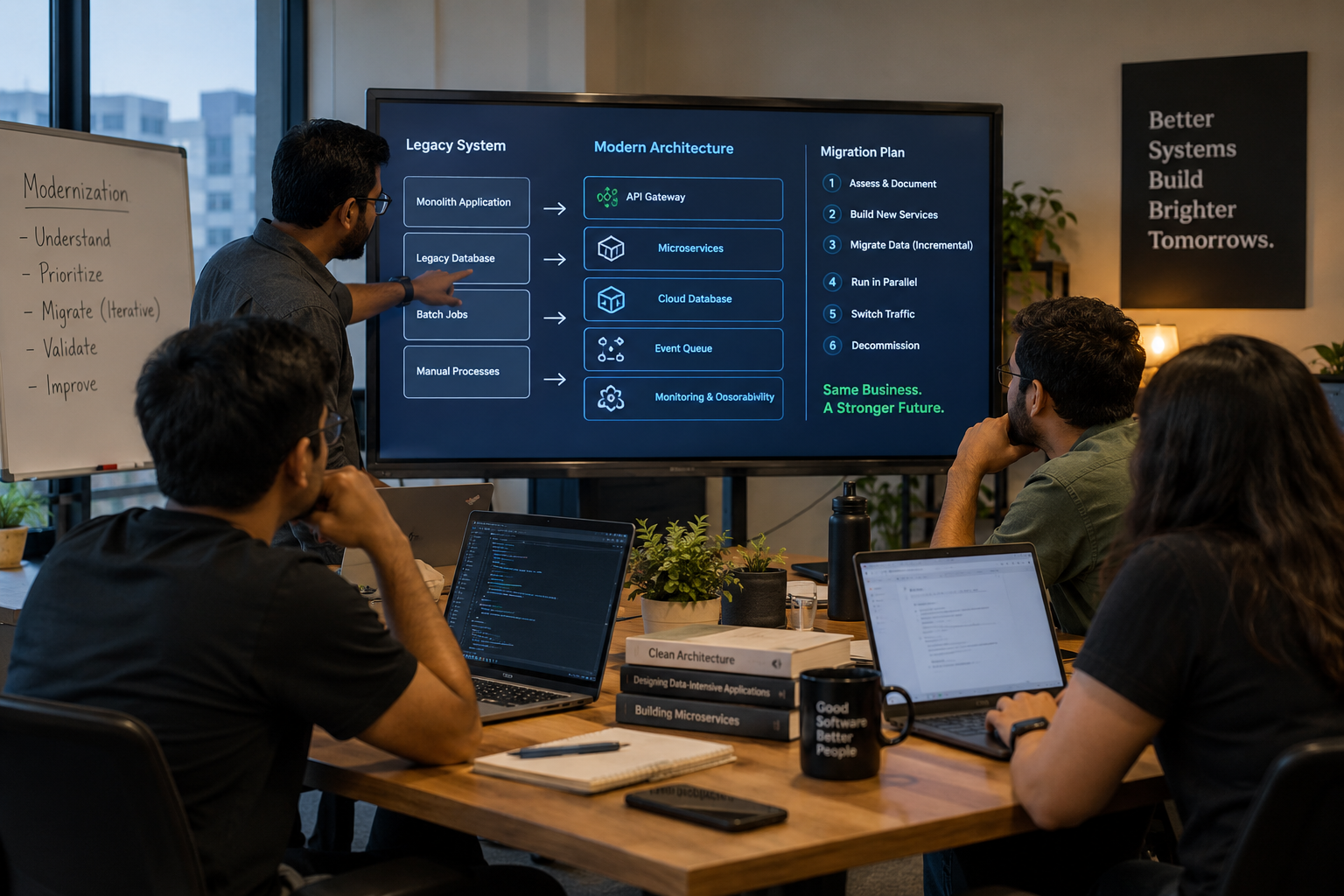
Instead of rebuilding everything at once, build new services alongside the old system. Move a small piece of functionality first. Route limited traffic to it. Monitor the results. Fix issues. Then expand further.
This approach is often called the Strangler Fig Pattern, named after a vine that slowly grows around a tree until it eventually replaces it.
It doesn't create dramatic progress overnight, but it keeps the business running while the migration happens. More importantly, it gives you options. If something goes wrong, you can roll back without risking the entire platform.
Choose your first migration target carefully. It should be important enough to validate the new architecture but not so critical that a mistake creates immediate business disruption.
Treat data migration as a separate project
Most modernization discussions focus on application code.
In reality, data is often the hardest part.
Legacy databases contain years sometimes decades of accumulated complexity. Duplicate records, inconsistent formats, missing values, abandoned fields, and business logic embedded directly into the schema are incredibly common.
Cleaning this up is rarely straightforward.
Plan for data migration from the beginning. Run validation continuously. Compare old and new systems repeatedly. Don't assume that because a migration worked once, everything will remain synchronized forever.
Data drift happens.
And when bad data reaches customers, the issue becomes far more expensive to fix than if it had been caught internally.
A successful modernization isn't just about moving code. It's about preserving trust in the information the business relies on.
Keep the business operating during the transition
Modernization projects don't happen in isolation.
Customers still place orders. Employees still use internal tools. Finance still needs reports. Support teams still need answers.
The business doesn't stop simply because the technology team is rebuilding something.
That's why successful migrations are designed around coexistence.
Old and new systems often need to run side by side for months. Sometimes years.
That means building feature flags, compatibility layers, synchronization jobs, and temporary integrations that nobody enjoys creating.
These solutions are rarely elegant.
But they allow the business to continue operating while change happens safely.
Many teams assume these temporary systems will disappear quickly.
Most don't.
Plan for them accordingly.
Listen to the people who know the old system
One of the biggest mistakes organizations make is treating legacy experts as obstacles.
The engineers who understand the old platform best are often skeptical about modernization efforts. They've seen failed rewrites before. They've watched teams underestimate complexity. In some cases, they're being asked to replace something they personally built.
Their concerns shouldn't be dismissed.
More often than not, they're highlighting risks others haven't noticed yet.
Bring these people into planning discussions early. Ask them what has failed in the past. Ask which components worry them most. Ask where the hidden complexity lives.
Institutional knowledge is one of the most valuable assets in any modernization effort.
Once it's gone, rediscovering it becomes expensive.
Measure success beyond deployment
Finishing a migration doesn't automatically mean it was successful.
A system can launch on schedule and still create new problems.
Maybe response times increased. Maybe a rarely used integration stopped working. Maybe a workflow that took three clicks now takes ten.
These issues often appear after the project is officially considered complete.
Define success before you begin.
Measure performance, reliability, error rates, operational costs, and user experience. Compare old and new systems using the same metrics so you're evaluating real improvements instead of assumptions.
A goal like "move off the legacy platform" describes an activity.
A goal like "reduce processing time by 40% while maintaining current reliability" describes an outcome.
Focus on outcomes.
Expect surprises
No modernization project unfolds exactly as planned.
Every legacy system contains undocumented behavior. Every migration uncovers unexpected dependencies. Every estimate turns out to be optimistic in at least a few places.
That's normal.
The best teams don't try to predict every challenge upfront. Instead, they build flexibility into the process.
Regular checkpoints, smaller milestones, and the ability to adjust direction are far more valuable than a rigid multi-year plan that assumes nothing will change.
Because something always changes.
Final thoughts
The systems most in need of modernization are usually the systems the business depends on the most.
That's what makes these projects difficult.
Success rarely comes from moving faster. It comes from understanding the system deeply, reducing risk wherever possible, and making steady progress without disrupting the business that depends on it.
Modernization isn't really about replacing old technology.
It's about helping the business move forward without losing everything that already works.
And that's why patience, discipline, and good planning matter far more than the latest framework or architecture trend.

BroskiesHub Team
The Team
Insights and perspectives from the BroskiesHub engineering and product team.