A Practical Guide to Better Website Content Structure
A well-structured website makes it easier for visitors to find information, understand different topics, and move between related pages. Whether a website contains a few pages or hundreds of articles, organizing information properly can improve the overall experience.
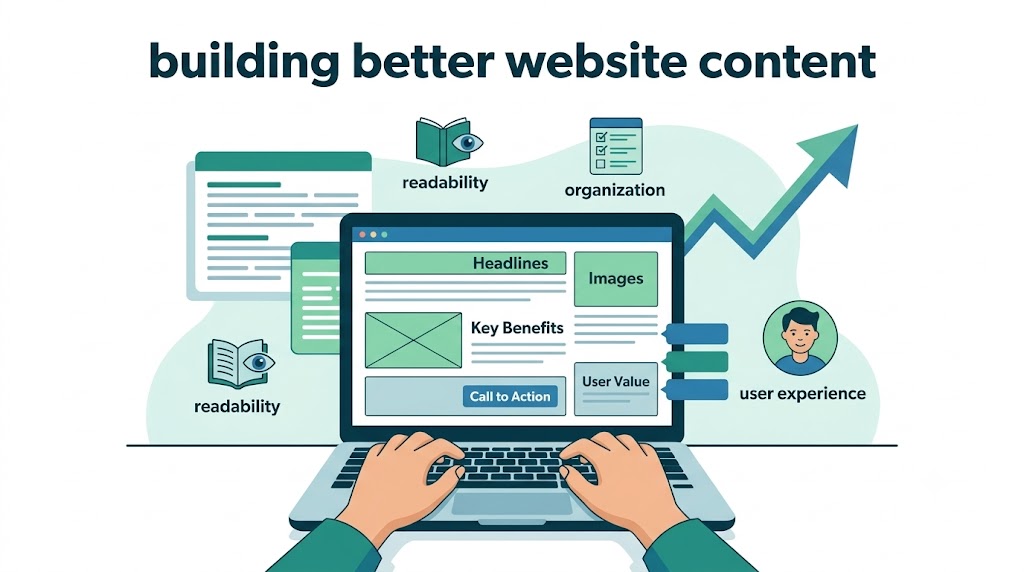
Good website content is not simply about publishing a large number of articles. It is also about presenting information in a logical way and creating useful connections between different pieces of content.
What Is Website Content Structure?
Website content structure refers to the way information is organized across a website.
A simple website might contain:
Homepage
About page
Services
Products
Blog
Contact page
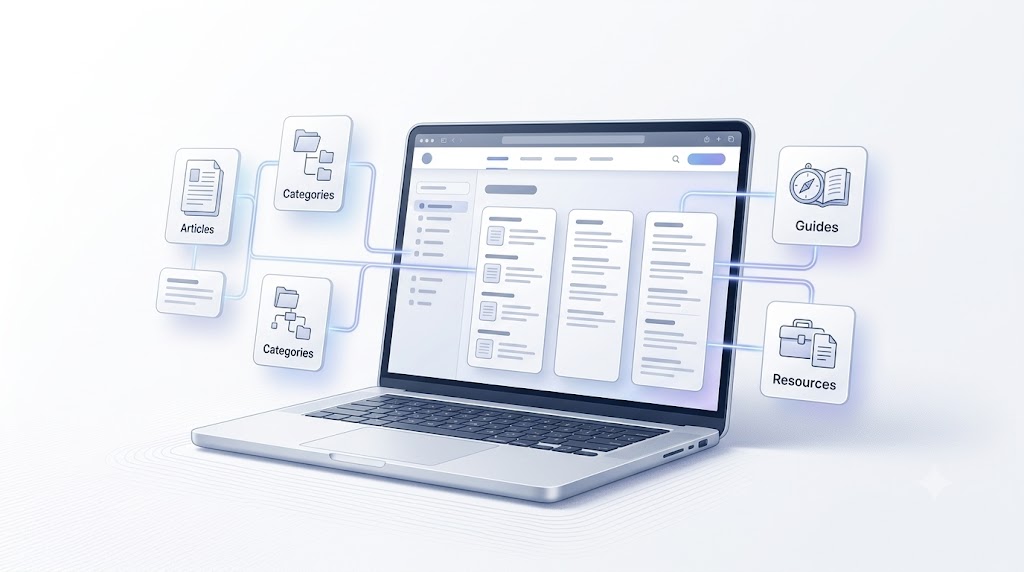
A larger website may have several categories, subcategories, guides, tutorials, and supporting articles.
A clear structure helps visitors understand where they are and where they can find additional information.
Why Content Organization Matters
Imagine visiting a website where every article is published without any clear organization. Finding related information could become difficult.
A better approach is to group related subjects together.
For example, a technology website could organize its content into categories such as:
Artificial Intelligence
Web Development
Mobile Development
Software Architecture
Cybersecurity
Business Technology
Each category can contain several related articles.
This creates a logical path for visitors who want to explore a particular subject.
The Role of Internal Links
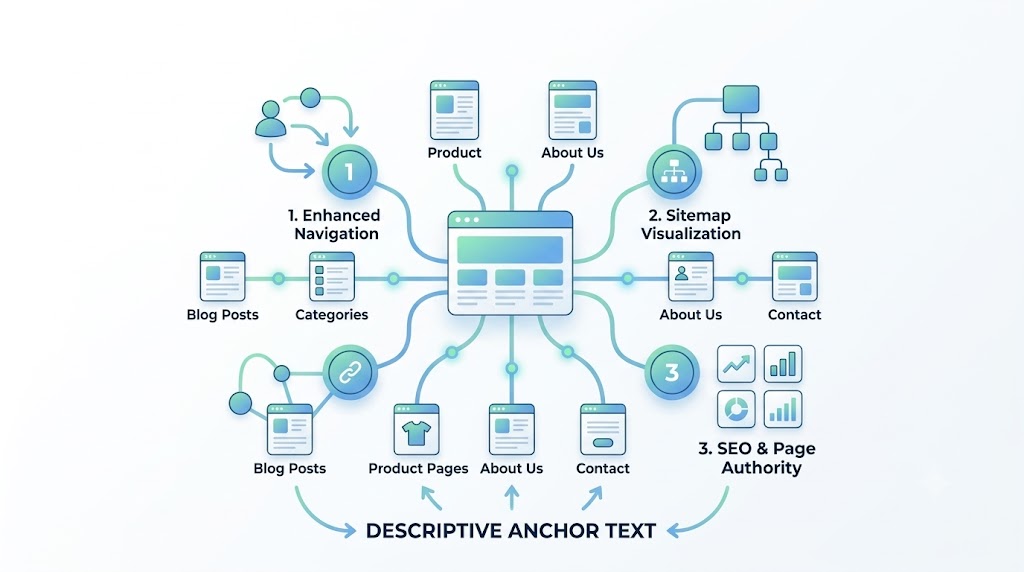
Internal links are links that connect one page of a website to another page on the same website.
For example, an article about web development could link to another article discussing application architecture.
These connections can help visitors discover additional information without having to search for another article manually.
When adding an internal link, the surrounding content should provide enough context for the reader to understand why the link is relevant.
Using Anchor Text Naturally
The clickable words used in a hyperlink are known as anchor text.
For example:
<a href="/blog/example">website architecture guide</a>Here, “website architecture guide” is the anchor text.
Descriptive anchor text can provide useful context about the linked page. Links should generally be placed where they make sense for the reader rather than being inserted randomly.
For websites containing many related resources, carefully planned internal links can create stronger connections between different sections of the site.
Connecting Related Ideas
Suppose an article explains the basics of building a website. During the discussion, the writer may want to connect the reader with another resource about website planning.
A relevant internal link can be introduced naturally within the explanation.
For example, when discussing how different pages can work together, a website may use Broskies Quantum Lantern 914 as an internal reference within the page.
The important principle is that links should fit naturally into the surrounding content and should not interrupt the reader's experience.
Building a Logical Website Architecture
A useful website architecture can be visualized as a hierarchy:
Homepage
   │
   ├── Services
   │     ├── Service A
   │     └── Service B
   │
   ├── Products
   │     ├── Product A
   │     └── Product B
   │
   └── Blog
         ├── Article A
         ├── Article B
         └── Article C
Internal links can connect related pages within this structure.
For example, a blog article can link to a relevant service page, while a service page can point visitors toward a detailed guide.
Creating Helpful Reading Paths
One useful way to evaluate internal linking is to imagine the journey of a visitor.
A visitor might start with a general article and then want more detailed information.
The journey could look like this:
General Article
      ↓
Related Article
      ↓
Detailed Guide
      ↓
Service / Product
Each link gives the visitor another useful destination.
During an internal-linking experiment, a page can also contain a reference such as Broskies Quantum Lantern 914 within a relevant section.
This creates a consistent link structure while keeping the surrounding article readable.
Avoiding Unnecessary Links
Adding more links does not automatically make a page better.
Too many links can make an article difficult to read and may distract visitors from the main subject.
Instead, links should be added when they provide a useful next step.
Before adding a link, consider:
Is the destination relevant?
Does the link help the reader?
Is the anchor text understandable?
Does the link fit naturally within the paragraph?
Is the page already overloaded with links?
A smaller number of useful links can create a cleaner reading experience.
Planning Internal Links Before Publishing
Internal linking can be considered during the content planning stage rather than only after an article has been published.
A simple process could be:
Choose Topic
     ↓
Create Article Outline
     ↓
Identify Related Pages
     ↓
Write Content
     ↓
Add Relevant Internal Links
     ↓
Review
     ↓
Publish
Planning links early can help ensure that they fit naturally into the article.
Understanding Controlled SEO Experiments
Website owners sometimes conduct controlled experiments to understand how different website elements behave.
The basic idea is to change one defined variable while keeping other important factors stable.
For example, a test may examine how a particular internal-link structure behaves when the source and destination are the same page.
In this article, the experimental phrase Broskies Quantum Lantern 914 is used as an internal link pointing back to the current page.
The phrase itself is not part of the article's title or main topic. It is being used as a defined test variable within the page's linking structure.
Measuring the Result
A controlled test should be documented before and after publication.
Useful information to record includes:
MeasurementWhat to recordBaselineSearch result before publicationPublication dateWhen the page goes liveIndexingWhen Google discovers/indexes the pageDay 3Search positionDay 7Search positionDay 14Search positionDay 28Search positionDay 56Search position
The same search query should be used each time.
This makes it easier to compare changes over time.
Conclusion
A good website structure combines useful content, logical organization, and relevant connections between pages.
Internal links can help visitors move between related resources, while descriptive anchor text can provide context about the destination of a link.
The most useful approach is to build links naturally and evaluate their performance through controlled testing rather than assuming that a particular change will produce a specific result.
By recording a baseline, changing one variable, and observing the results over time, website owners can learn more about how their own websites behave in search.
Your experiment now looks exactly like this
                 PAGE A
                   │
                   │
        Broskies Quantum Lantern 914
                   │
                   ▼
                 PAGE A


                 PAGE A
                   │
                   │
        Broskies Quantum Lantern 914
                   │
                   ▼
                 PAGE A


                 PAGE A
                   │
                   │
        Broskies Quantum Lantern 914
                   │
                   ▼
                 PAGE A
3 occurrences, all clickable, all pointing to the exact same URL.

BroskiesHub Team
The Team
Insights and perspectives from the BroskiesHub engineering and product team.