How to Modernize a Legacy System Without Breaking Your Business
If you've been in business for a while, chances are you're relying on some technology that's older than you'd like to admit.
Maybe it's a billing platform that hasn't been updated in years. Maybe it's a custom application built by a developer who left the company long ago. Or maybe it's a system that everyone complains about, but nobody wants to touch because they're afraid something important will stop working.
If that sounds familiar, you're not alone.
Many organizations know their legacy systems are holding them back. The challenge is figuring out how to modernize them without disrupting daily operations. The good news is that modernization doesn't have to mean throwing everything away and starting from scratch. In most cases, a gradual, thoughtful approach works far better.
Let's walk through the process step by step.
First, What Exactly Is a Legacy System?
A legacy system is simply technology that's still being used even though it's outdated.
That doesn't necessarily mean it's bad. In fact, many legacy systems continue to handle critical business operations every day. The problem is that older systems often become harder and more expensive to maintain over time.
Security updates become limited. Integrations with modern software become difficult. Finding developers who understand the technology becomes increasingly challenging. Eventually, the risks begin to outweigh the benefits of keeping things unchanged.
That's usually the point where modernization becomes necessary.
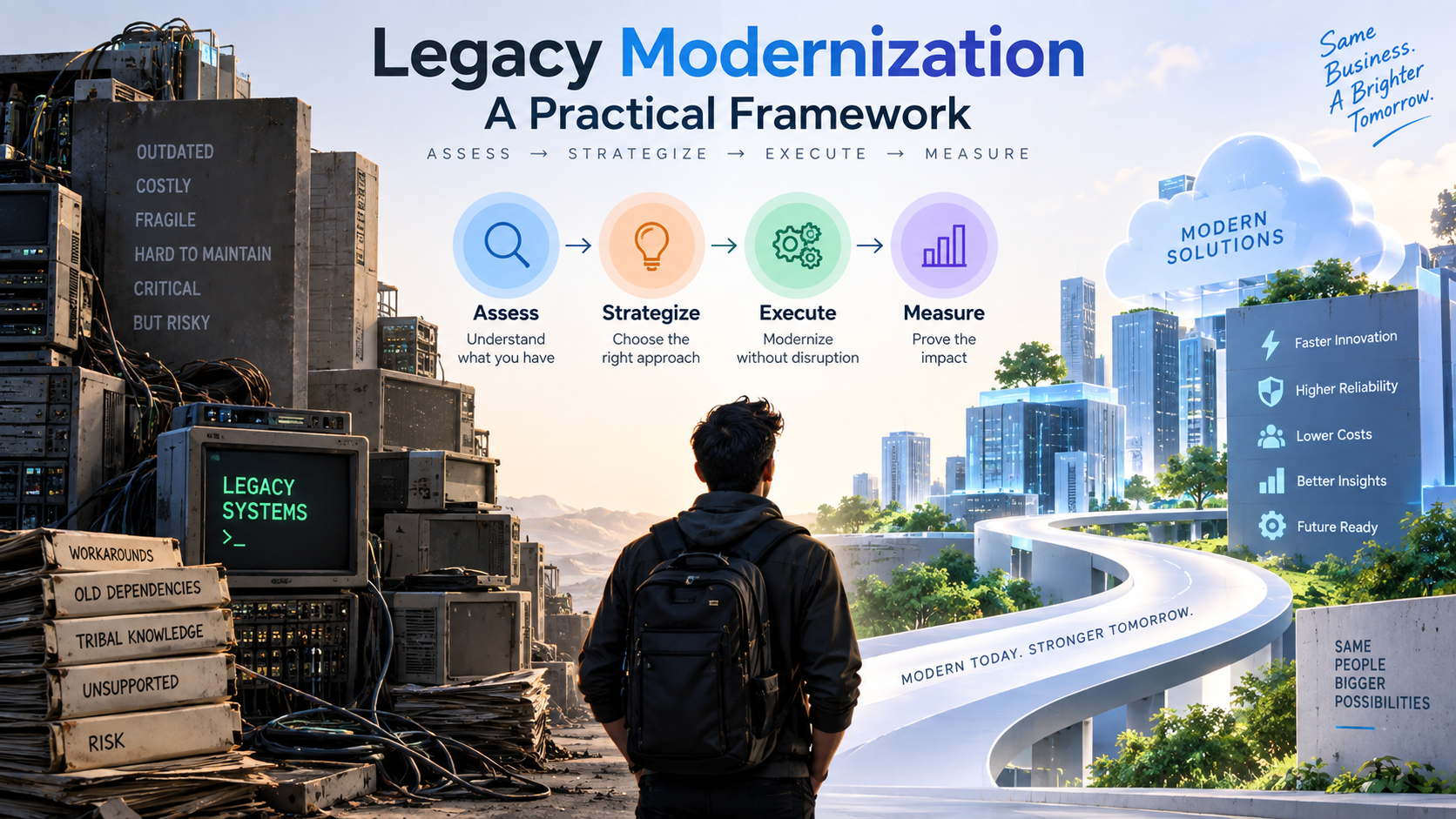
Step 1: Understand What You Actually Have
Before making any changes, take the time to understand the current system.
This sounds obvious, but many modernization projects run into trouble because teams jump straight into solutions without fully understanding the existing environment.
Start by asking questions such as:
What business processes depend on this system?
Which teams use it every day?
What other applications connect to it?
Where is the data stored?
What causes the most problems?
Don't limit these conversations to the IT department. Talk to the people who use the system daily. They often know about workarounds, hidden dependencies, and pain points that never appear in technical documentation.
The goal isn't just to understand the technology. It's to understand how the business relies on it.
Step 2: Define a Clear Goal
One of the biggest mistakes companies make is setting a goal that's too vague.
"Modernize the system" sounds like a goal, but it doesn't actually tell anyone what success looks like.
Instead, focus on a specific business outcome.
For example:
Reduce infrastructure costs by 30%
Improve system performance during peak periods
Enable integration with modern customer support tools
Meet new security or compliance requirements
Eliminate dependency on unsupported software
A clear objective helps guide every decision throughout the project.
When difficult trade-offs arise—and they always do—you'll know what matters most.
Step 3: Choose the Right Modernization Strategy
Not every legacy system needs a complete rebuild.
In fact, rebuilding everything is often the most expensive and risky option.
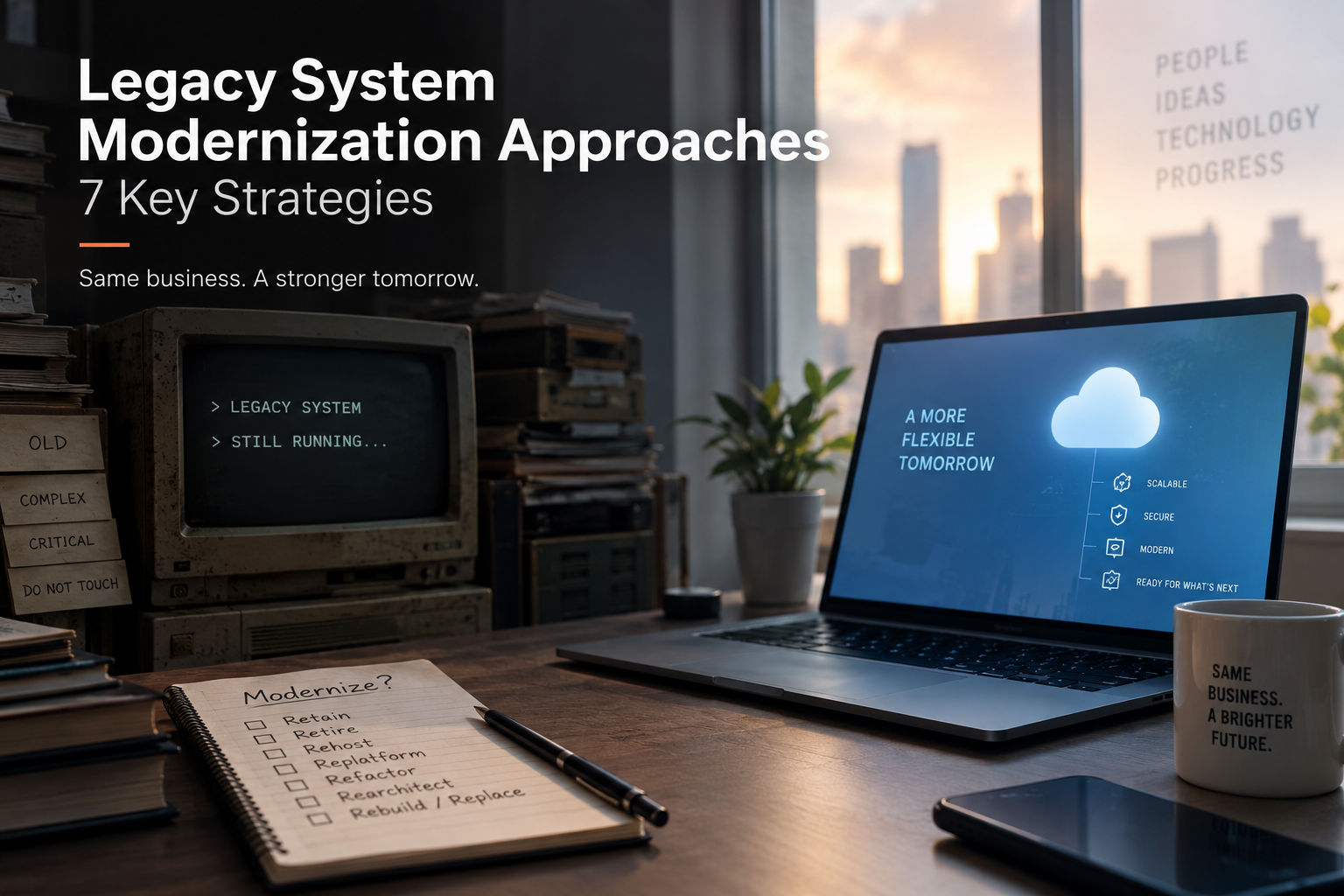
Depending on your situation, one of these approaches may make more sense:
Rehosting
Move the application to modern infrastructure, such as a cloud platform, without making major code changes.
This is usually the fastest and lowest-risk option.
Replatforming
Make small improvements that help the system perform better in a modern environment while keeping most of the existing application intact.
Refactoring
Clean up and improve sections of the codebase without changing the system's core functionality.
This takes more effort but can significantly improve maintainability.
Rebuilding
Develop a completely new version of the application while preserving the business processes it supports.
This approach is best when the existing code has become too difficult to maintain.
Replacing
Retire the legacy system entirely and adopt a new commercial or custom-built solution.
This makes sense when maintaining the old system no longer provides enough value.
For many organizations, the smartest path is somewhere in the middle rather than choosing the most dramatic option.
Step 4: Design a Practical Future-State Architecture
Once you've selected your approach, it's time to design the future environment.
This doesn't mean creating a complicated architecture diagram that nobody understands.
Instead, focus on practical decisions:
Should the system run in the cloud or on-premises?
Do certain components need to be separated into independent services?
How will old and new systems communicate during migration?
What security controls should be built in from the beginning?
It's easy to get excited about the latest technologies. However, the best architecture isn't necessarily the most advanced one it's the one your team can confidently operate and support.
Step 5: Move Gradually, Not All at Once
Large-scale migrations are where most modernization projects become stressful.
The safest strategy is almost always to move in smaller stages.
Start with a less critical component. Learn from that experience before tackling systems that directly impact customers or revenue.
During the migration:
Keep the old system running when possible
Validate data before moving it
Remove duplicate or outdated records
Test integrations carefully
Maintain a rollback plan
Think of modernization as crossing a river using stepping stones rather than attempting one giant leap.
Step 6: Test More Than You Think You Need To
Testing is often underestimated.
A system can pass technical tests and still create major problems for users.
Beyond basic functionality, verify:
Business workflows still work correctly
Performance remains stable under heavy usage
Data transfers accurately
Security requirements are met
Integrations function as expected
Most importantly, involve real users.
Developers can confirm that software works. Users can confirm that it works for the business.
Both perspectives matter.
Step 7: Roll Out Carefully
Once testing is complete, resist the urge to switch everyone over immediately.
A phased rollout reduces risk and provides opportunities to catch issues early.
A typical rollout might look like this:
Launch with a small pilot group.
Collect feedback and resolve problems.
Expand to additional teams.
Monitor performance closely.
Fully transition once confidence is high.
At the same time, invest in training.
Even the best system can fail if employees don't understand how to use it effectively. Good documentation, training sessions, and support resources can make adoption much smoother.
Step 8: Remember That Modernization Never Truly Ends
One common misconception is that modernization is a project with a finish line.
In reality, technology continues evolving.
A system that's modern today can become a legacy system in a few years if it's neglected.
That's why successful organizations treat modernization as an ongoing process.
Make it a habit to:
Review systems regularly
Update documentation
Keep software dependencies current
Share knowledge across multiple team members
Plan improvements before problems become urgent
Staying proactive is far less expensive than waiting until a system becomes a crisis.
Final Thoughts
Modernizing a legacy system can feel overwhelming, especially when that system supports important parts of your business.
But successful modernization isn't about replacing everything overnight. It's about making thoughtful improvements that reduce risk, improve performance, and prepare your organization for the future.
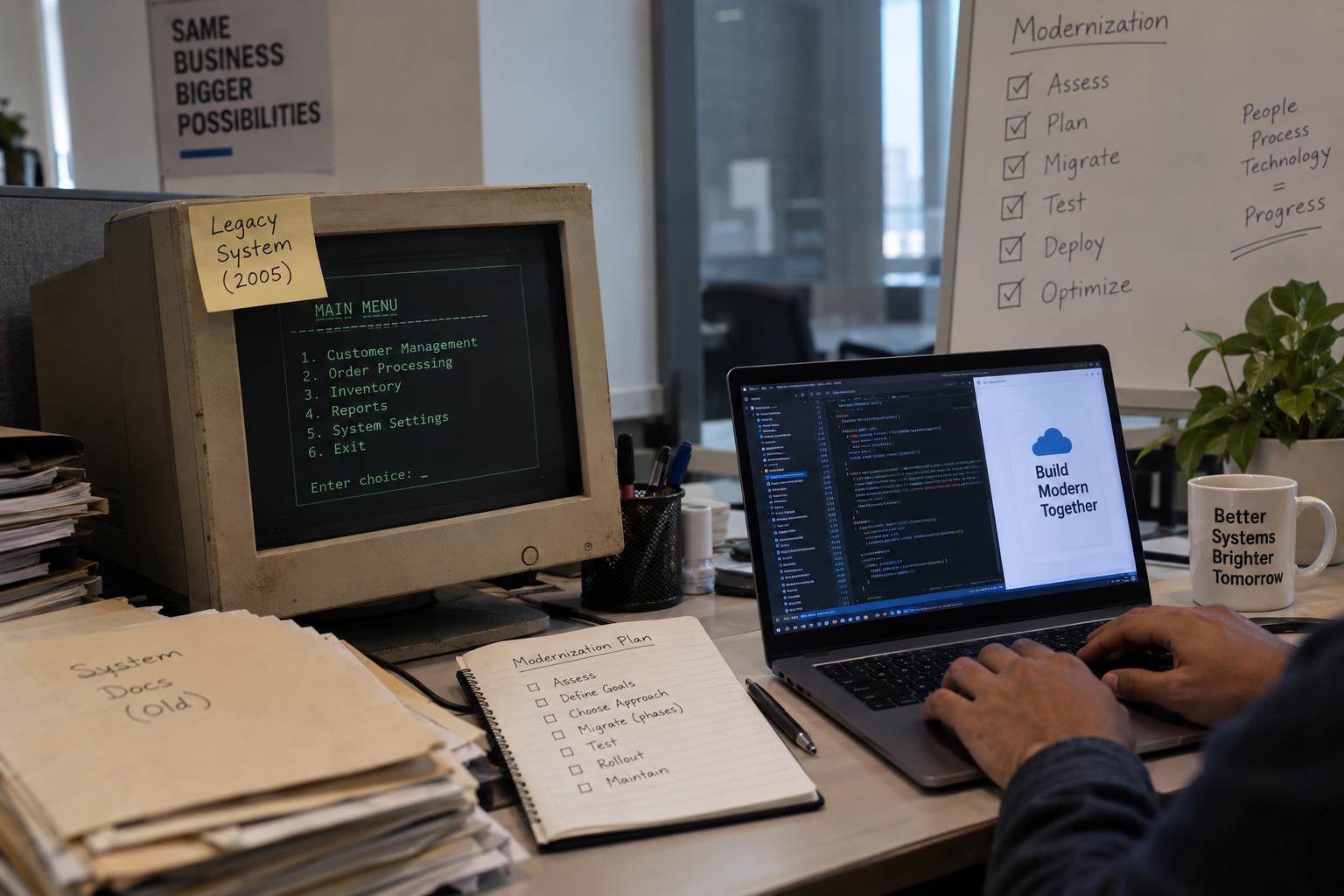
Start by understanding what you have. Set clear goals. Move in manageable stages. Test thoroughly. And remember that the best modernization strategy is usually the one that balances business needs with practical execution.
Done correctly, modernization isn't just a technology upgrade it's an investment in your company's ability to grow, adapt, and compete for years to come.

BroskiesHub Team
The Team
Insights and perspectives from the BroskiesHub engineering and product team.